

Step 1
Purchase Your Headset
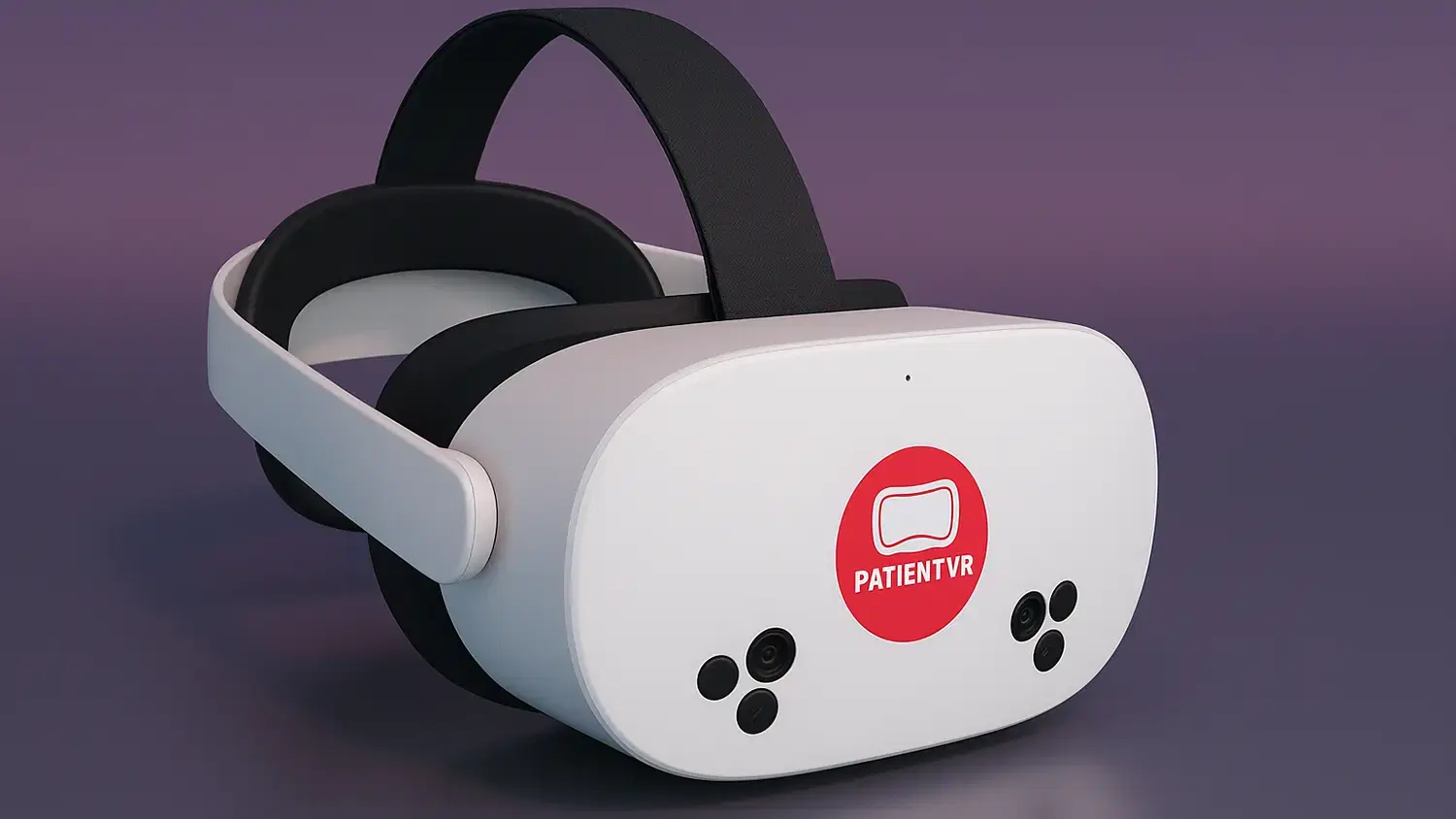
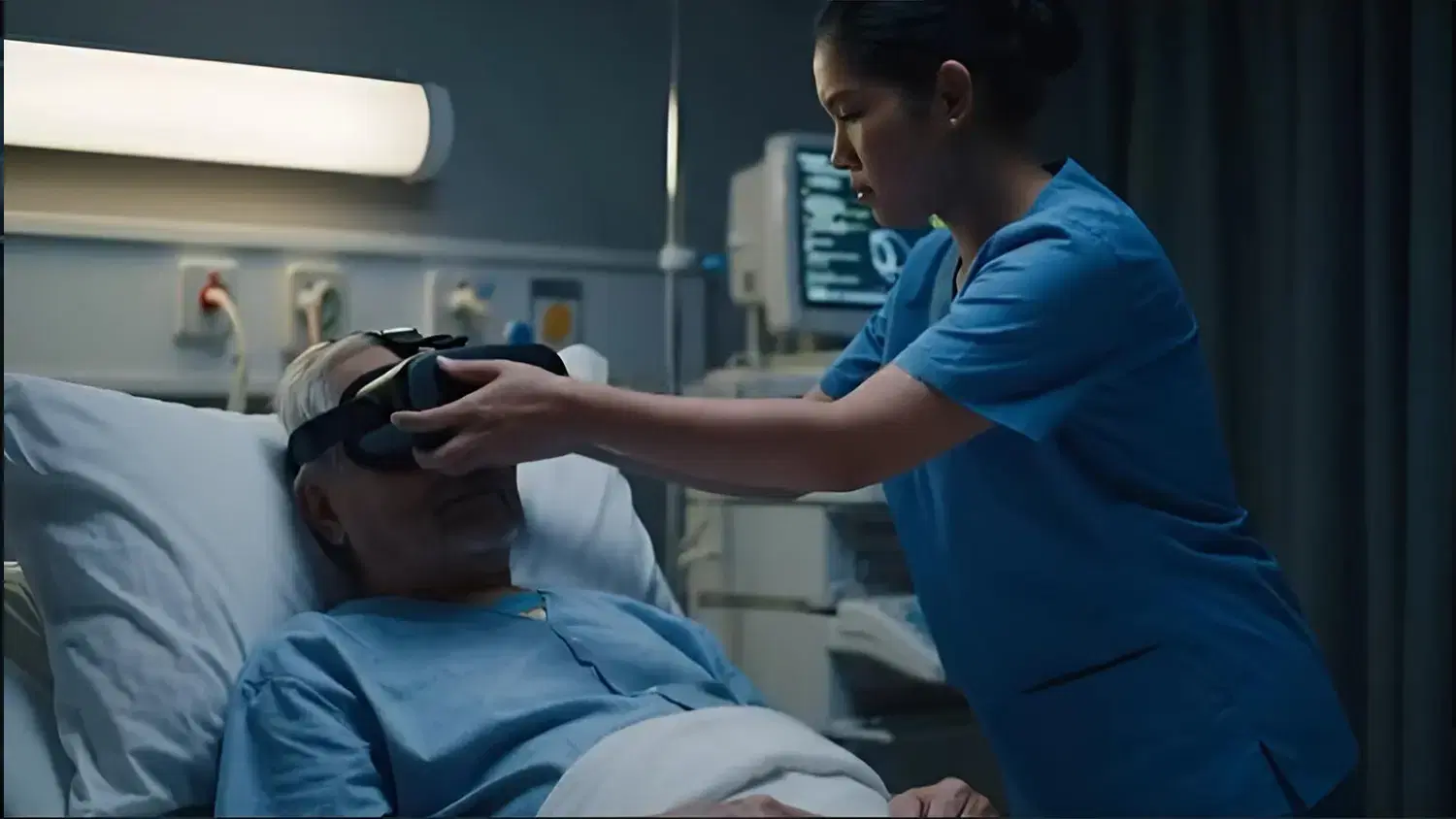
We use Meta For Work-enabled headsets, ensuring a secure, clinical-ready device.
PatientVR makes it simple to deliver calming VR experiences to patients. Set up your account, explore the library, pair your headsets, and curate content that supports rehabilitation, relaxation, and overall patient wellbeing.
Step 1
We use Meta For Work-enabled headsets, ensuring a secure, clinical-ready device.
Step 2
Our team configures each headset, installs PatientVR PRO, and provides hands-on staff training so your team can start using it immediately.
Step 3
Manage each headset's content individually to cater them to your patients' needs.
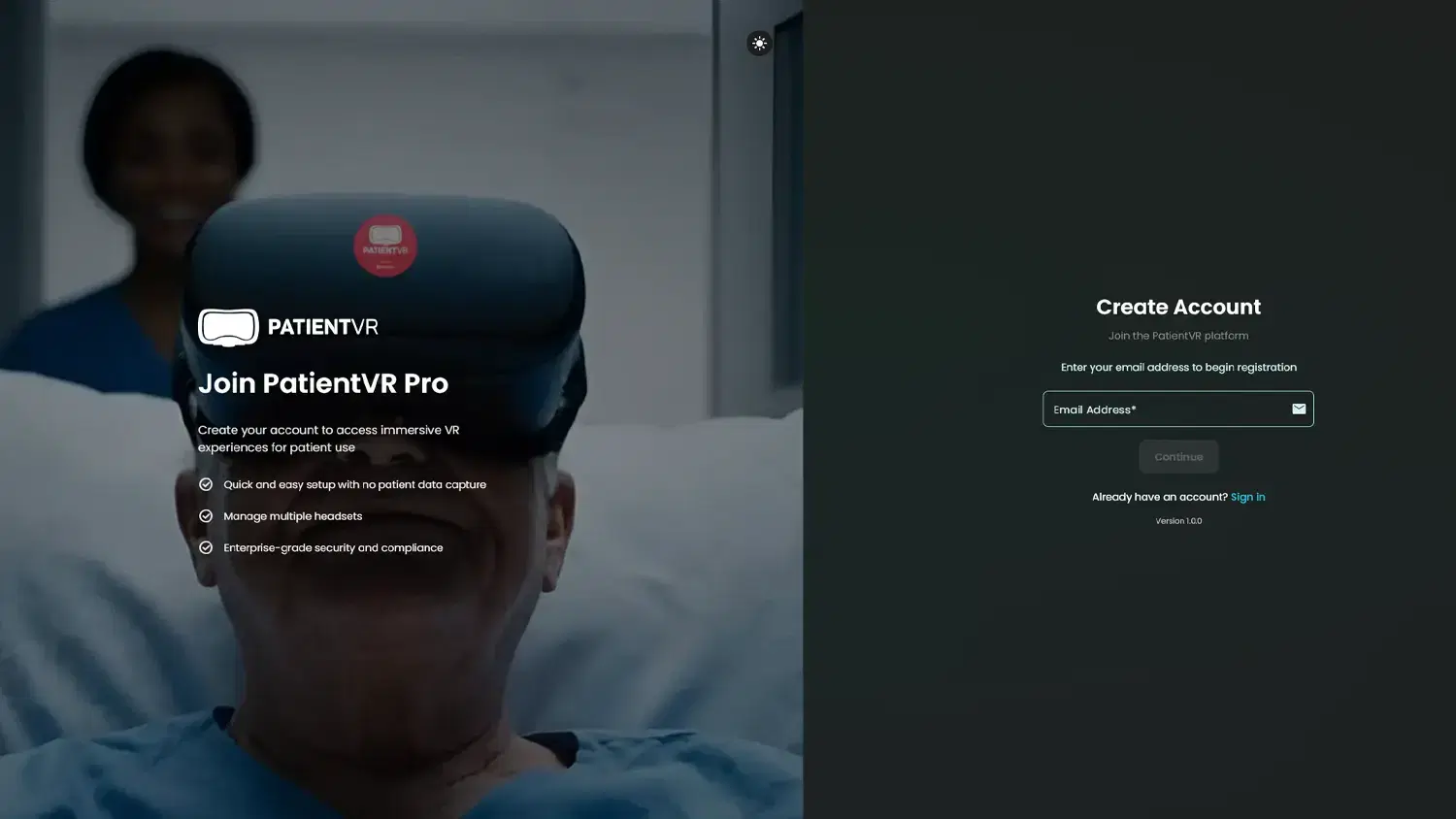
Sign up for free — no credit card required.
Browse the full library of immersive scenes and interactive experiences, and when you’re ready, activate a licence to pair your headsets. Each headset can then be customised with content tailored to the needs of your patients.
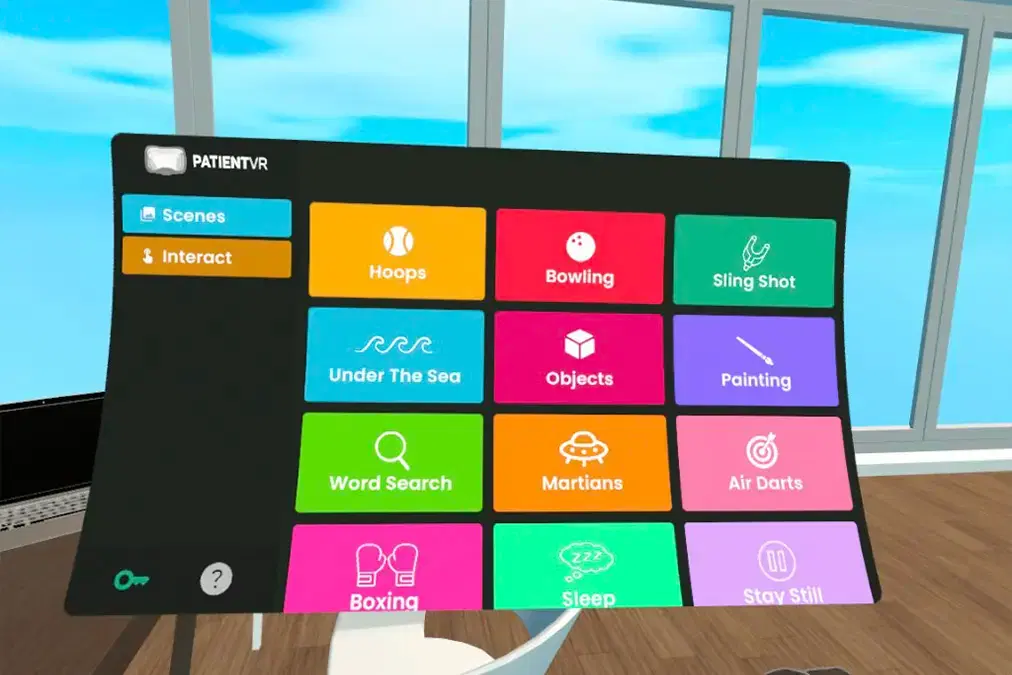
Discover a growing collection of 360° photos, videos, and interactive experiences designed for relaxation, exercise, rehabilitation, guided breathing, and more. New content is added regularly to keep your patient sessions engaging and fresh.
Every patient is different, and every headset can be too.
Configure each device with its own set of scenes and interactives — for example, one headset focused on rehabilitation exercises and another centred on calming relaxation or nature escapes. Manage, update, and refresh each headset independently.
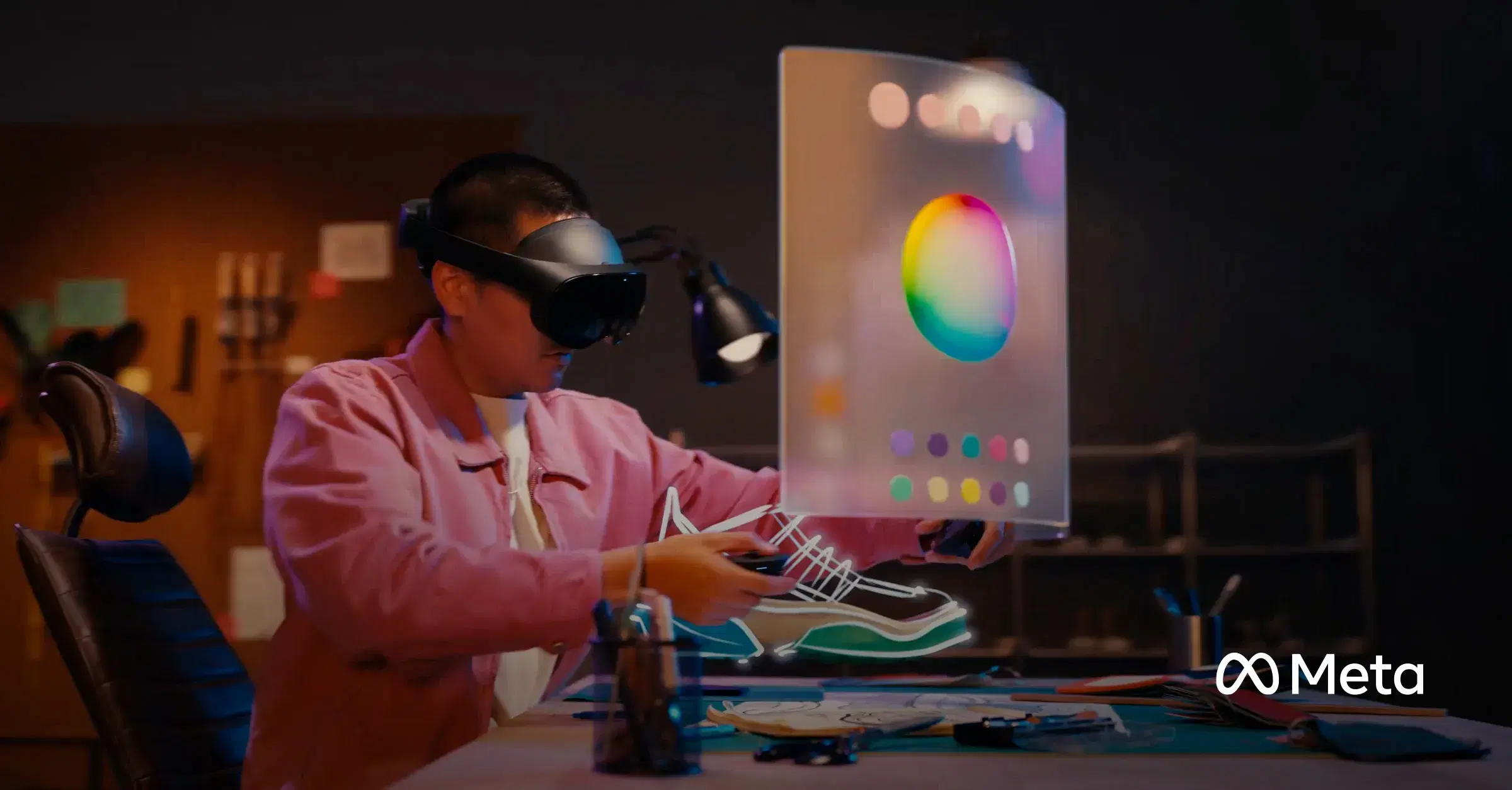
PatientVR is designed to operate seamlessly on Meta for Work devices.
With more enhancements coming — such as advanced analytics, improved device management, and deeper headset controls — you can look forward to a continuously improving platform.
View perspectives from those working across health and patient care.
We’re committed to expanding the PatientVR experience.
Our roadmap includes new immersive scenes, additional therapeutic interactive experiences, and powerful management features to help clinicians deliver even more personalised care.