

How to sign up to PatientVR
These are simple steps to sign up for PatientVR.
PatientVR allows you to create a corporate account for use by hospitals, clinics, and other healthcare facilities. With one master admin account, you can manage multiple VR headsets, oversee all license keys, and keep everything organised from a single dashboard. Once your account is set up, you can download the PatientVR app from the Meta Quest Horizon app store and enter the activation code in the app to start using it on your headset.
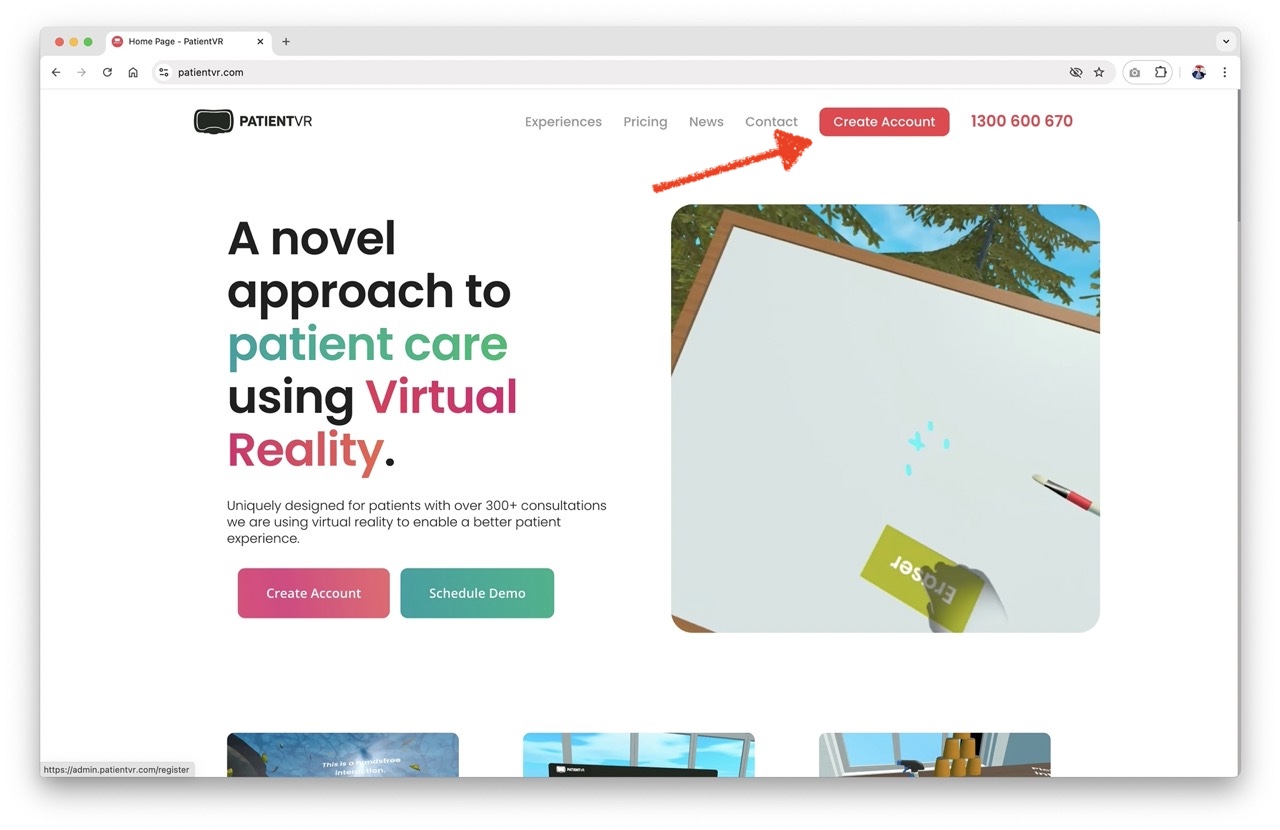
STEP 1: Go to the PatientVR website and create an account.
LINK:
https://admin.patientvr.com/register
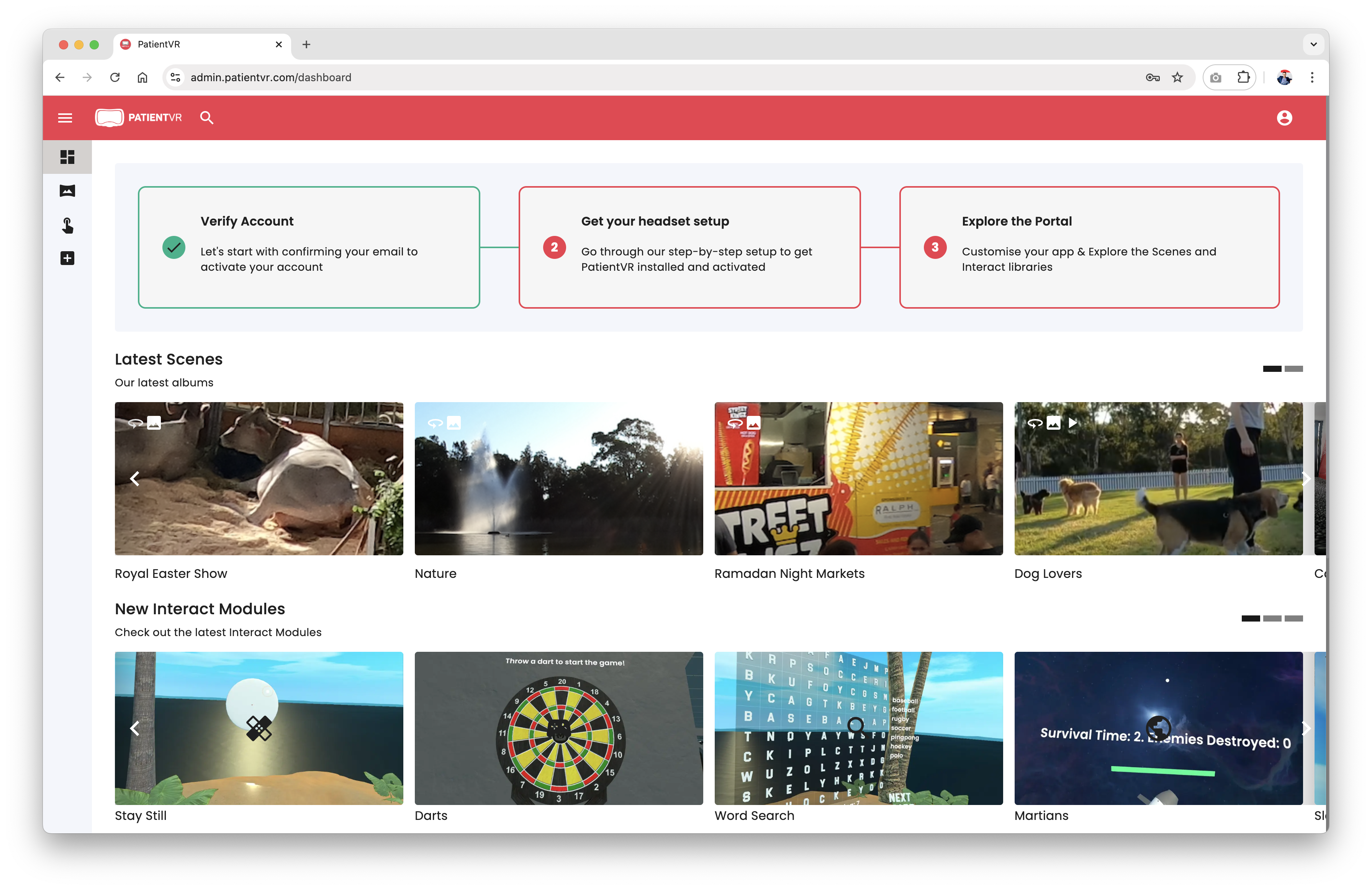
STEP 2: Verify your account.
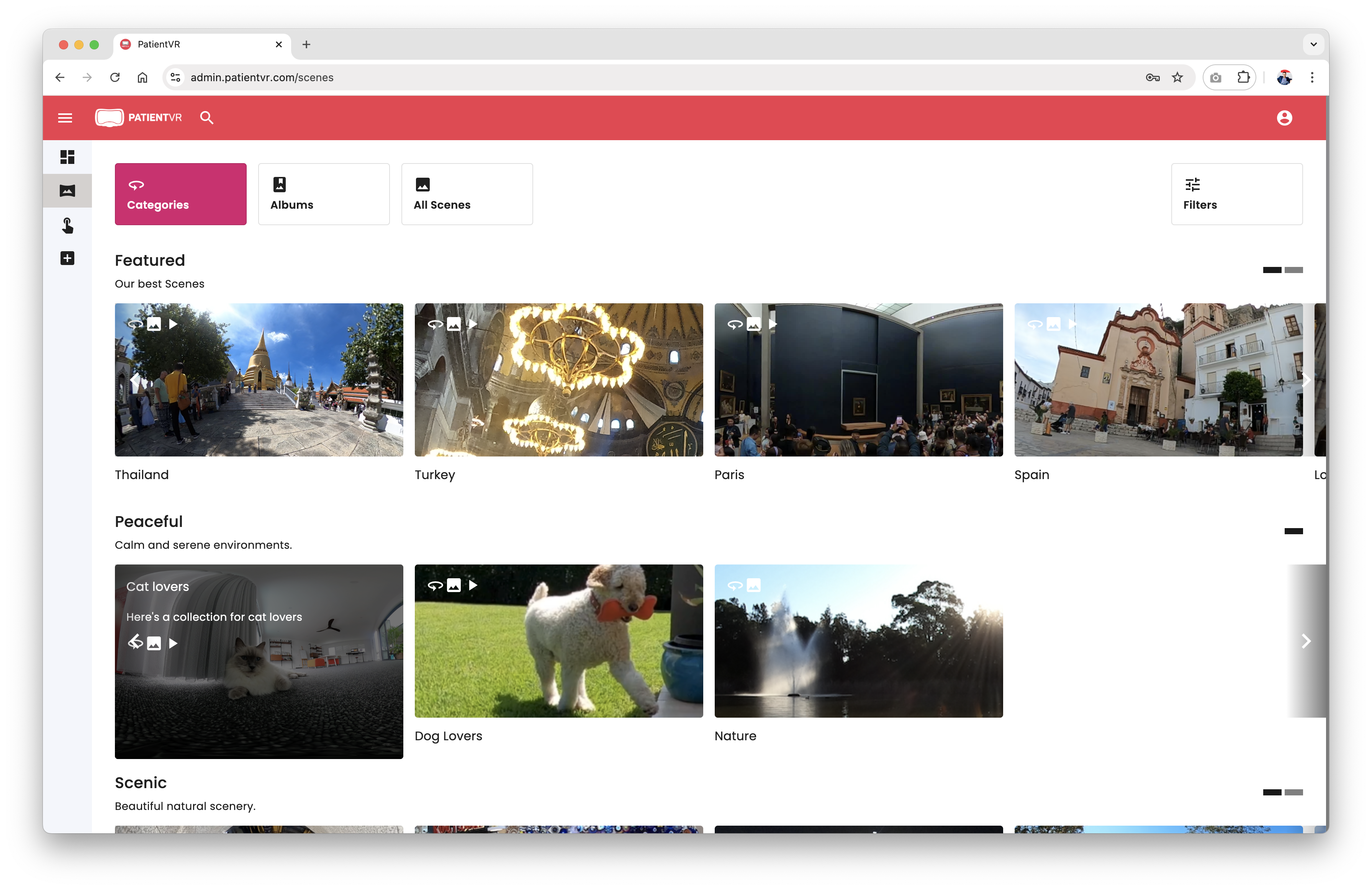
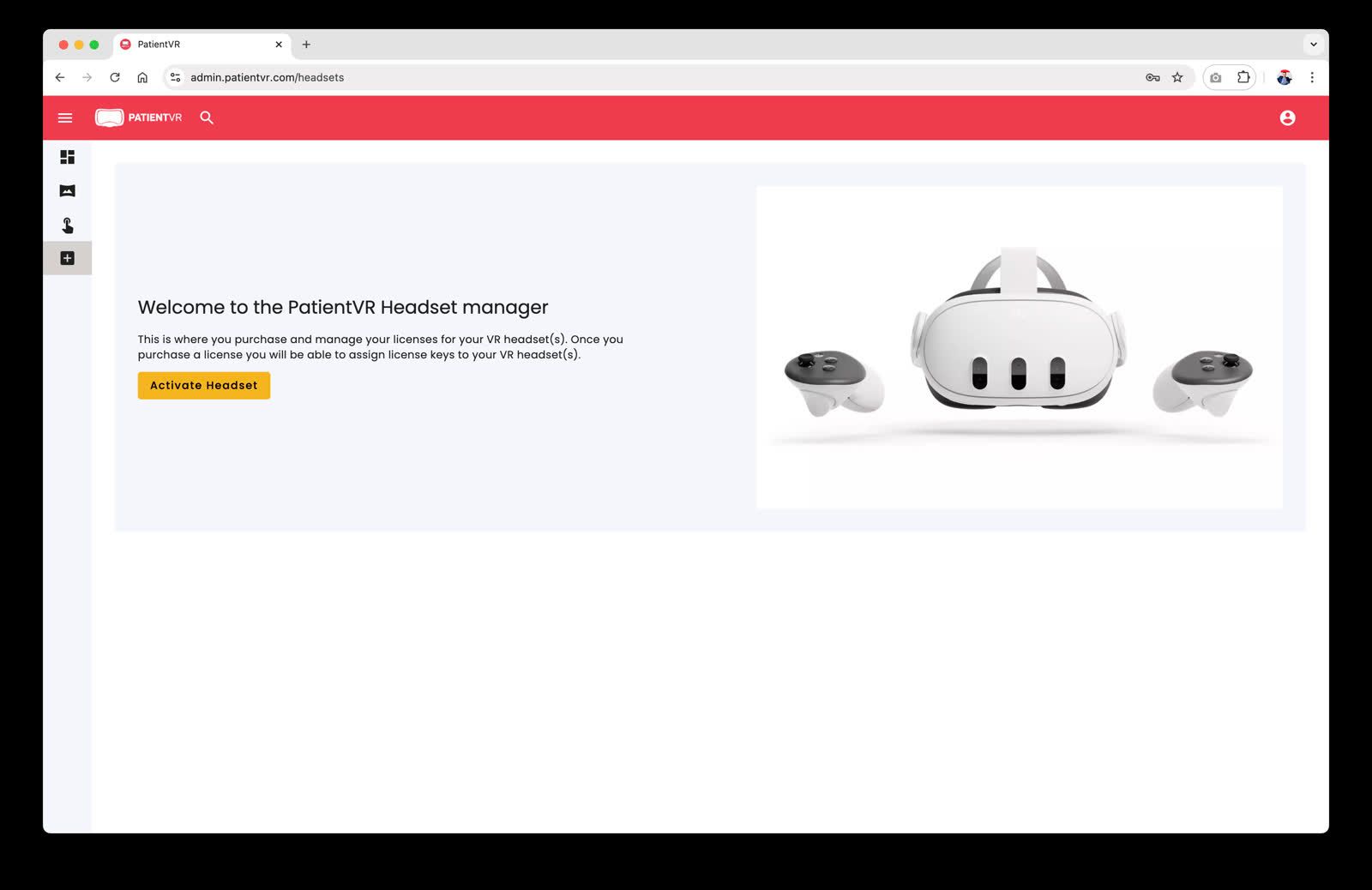
STEP 3: Purchase and activate a VR headset, or simply activate your own headset.
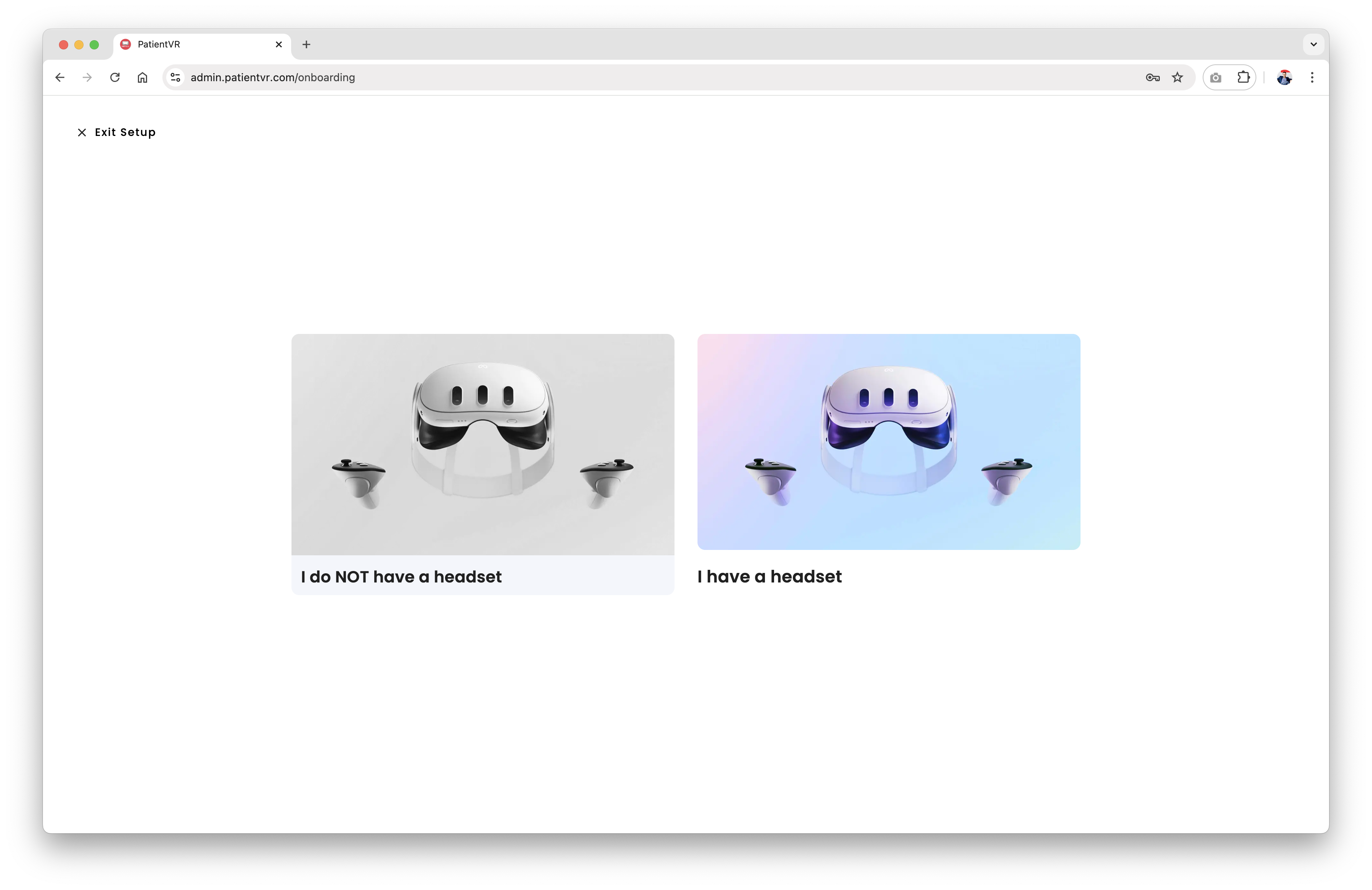
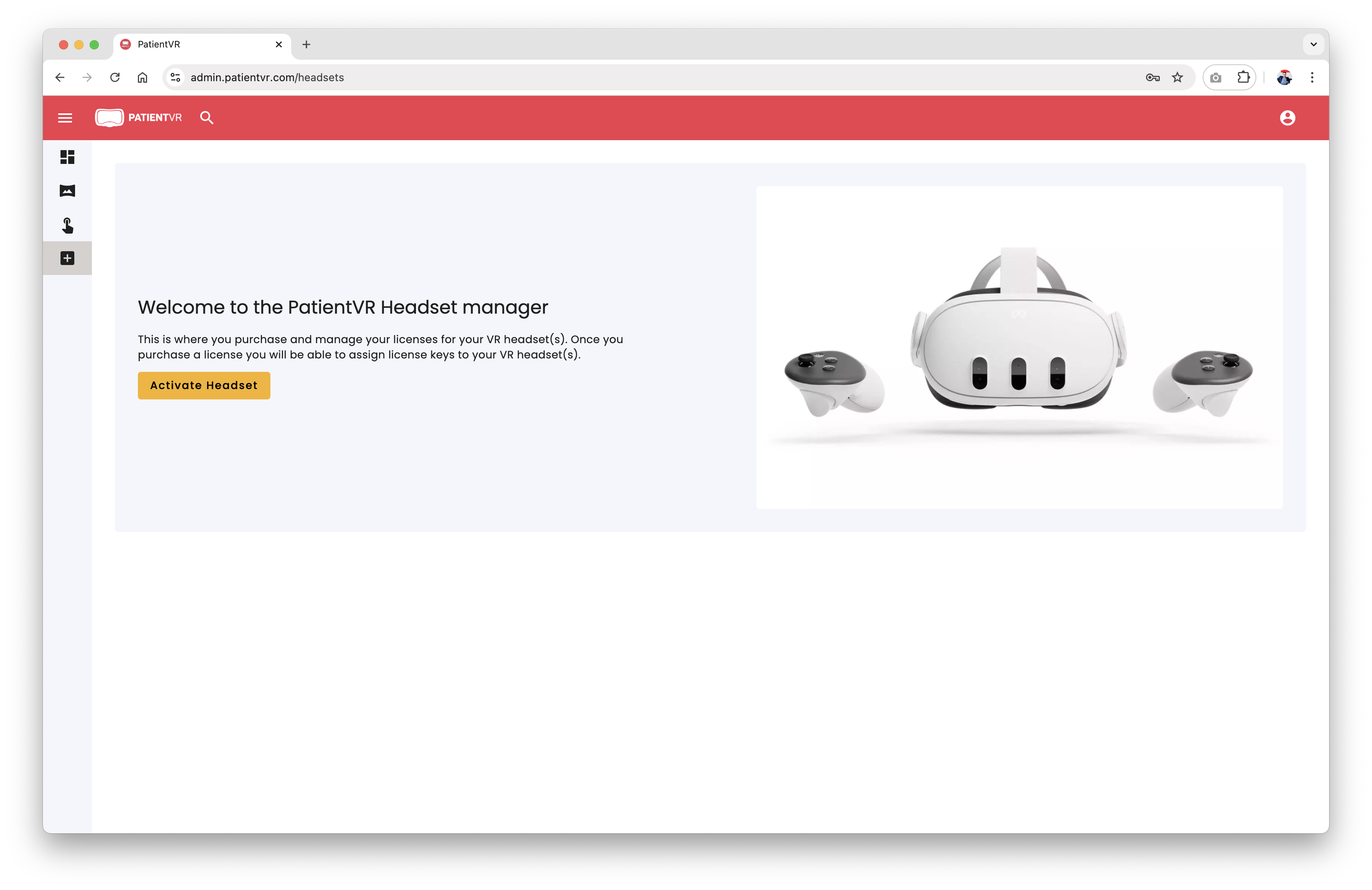
Follow these steps to activate and manage your headsets with ease. There is no need to register the headset itself. Once the PatientVR app is installed on the headset, simply enter the activation code to begin using it.
More reading

PatientVR Relaxation Interacts
Creating moments of calm, wonder and gentle engagement for patients during long hours of care. For patients spending hours in a chair during chemotherapy, regular dialysis or other ongoing care, time can feel slow. The surroundings may be familiar, the routine repetitive, and opportunities for a change of scenery limited. What if those moments could become an opportunity to pause, explore and experience something a little more magical?

Finger Beats: Turning Finger Movement in VR
PatientVR Finger Beats: Turning Finger Movement into an Experience We’re continuing to build the PatientVR Interact library around a simple idea: movement-based activities should not always feel like exercises. Our newest Interact, Finger Beats, was…
 uncategorized
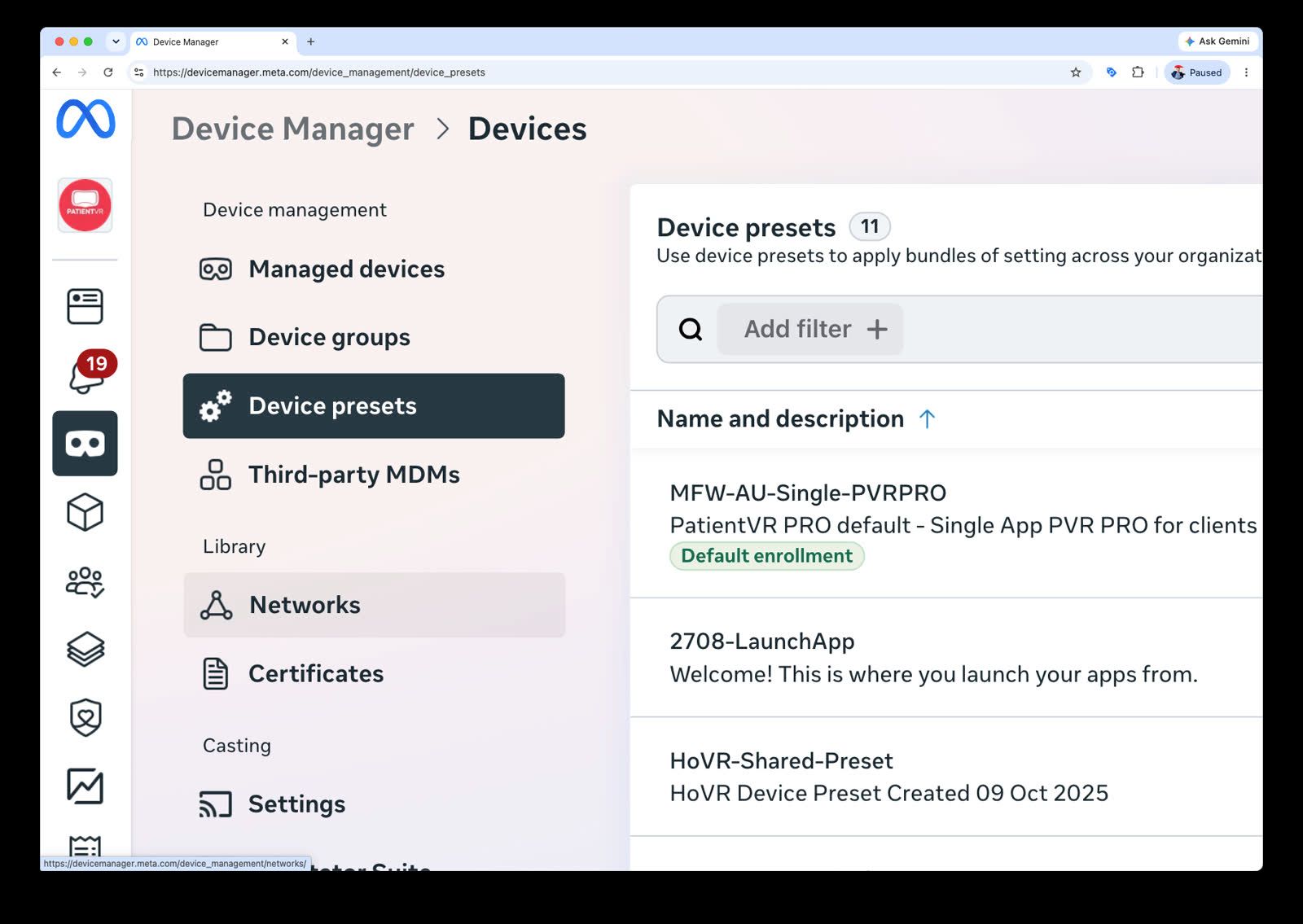
PatientVR PRO Uses Meta for Work Managed Devices
Virtual Reality (VR) is rapidly moving beyond entertainment and gaming into meaningful healthcare applications, supporting patient wellbeing, relaxation, pain management, rehabilitation, and improved care experiences.